


Deliver accessible media on every platform, beautifully.
Deliver high-impact digital content without sacrificing performance or inclusion. Discover essential standards for publishing lightweight, high-quality digital assets designed to work seamlessly across all devices and assistive tools.
Table of contents
Image /i
The image block can be added to a page by clicking on the Add Block button. Alternatively, you can type /image and press enter. The media options panel will load with three options, Upload, Media Library, and Insert from URL.
Dimensions, Aspect Ratios
The Classic Portrait, Square and Wide formats are standard WordPress aspect ratios. Social Portrait 4:5 is recommended for social media, and Panorama 2:1 is a good for hero sections; these are added by this child theme.

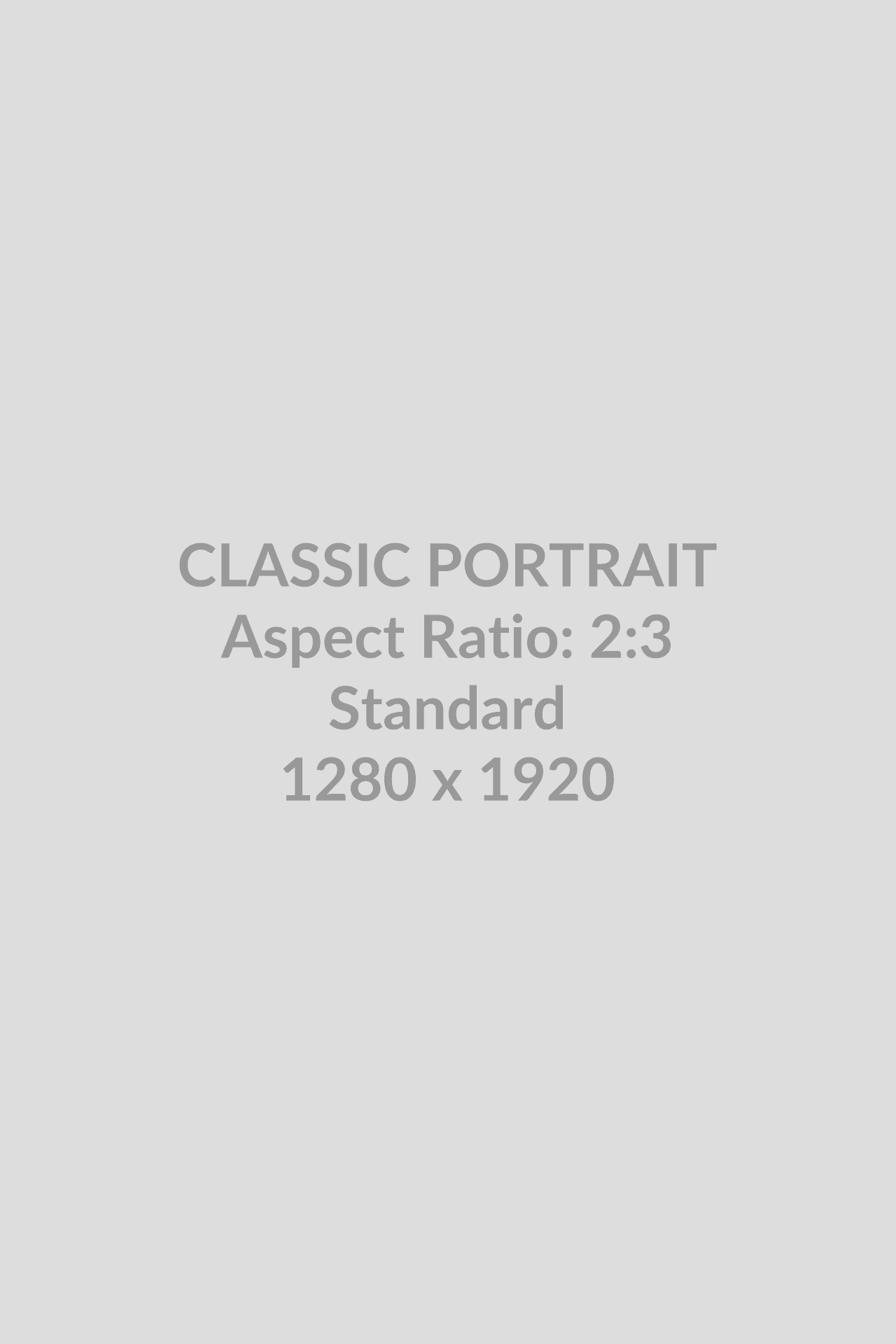

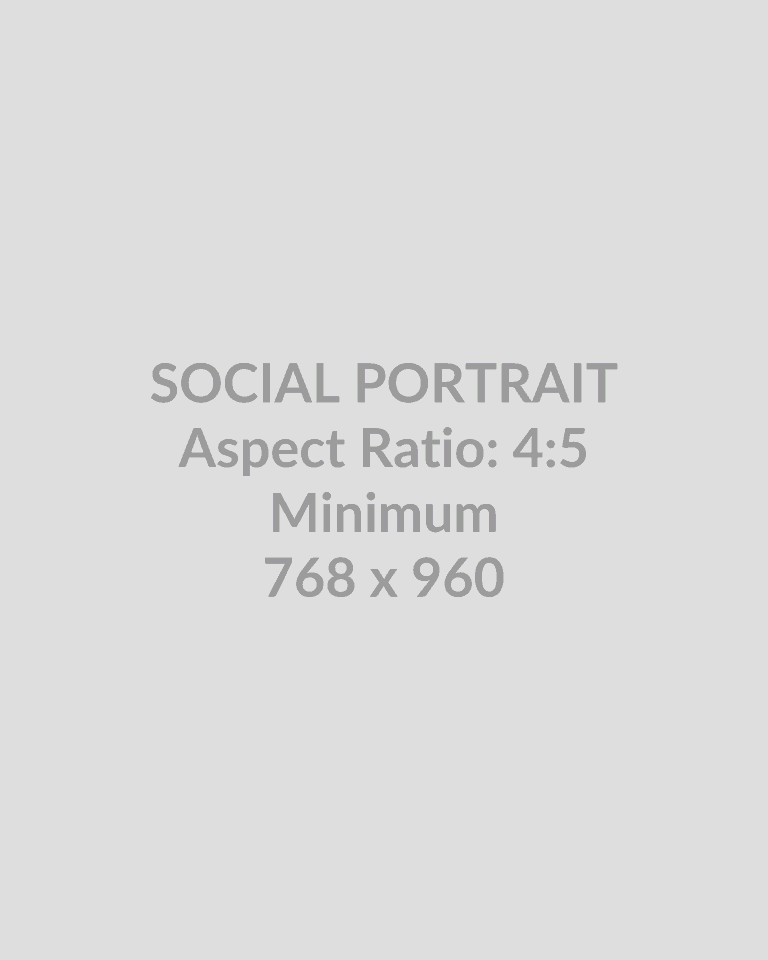
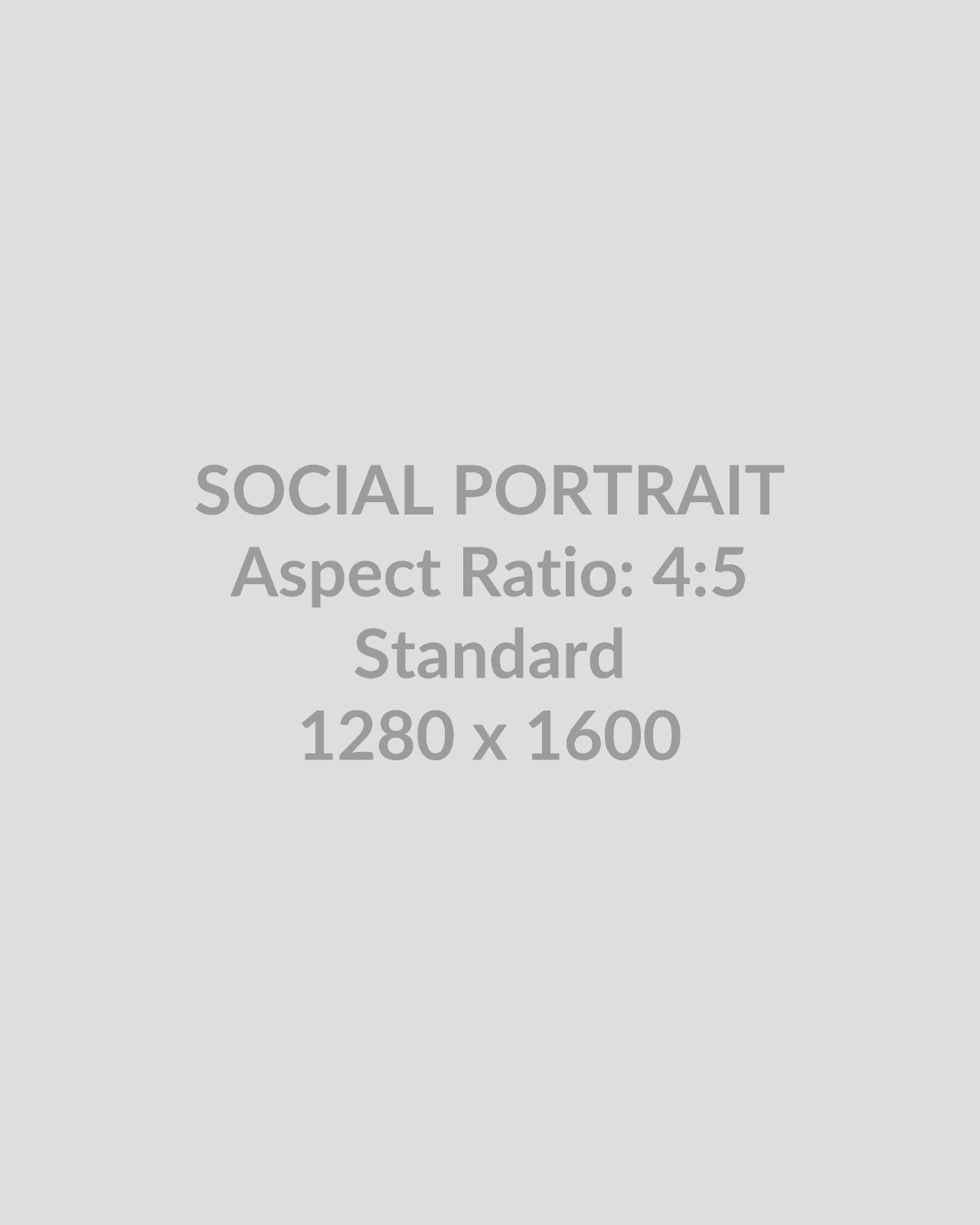
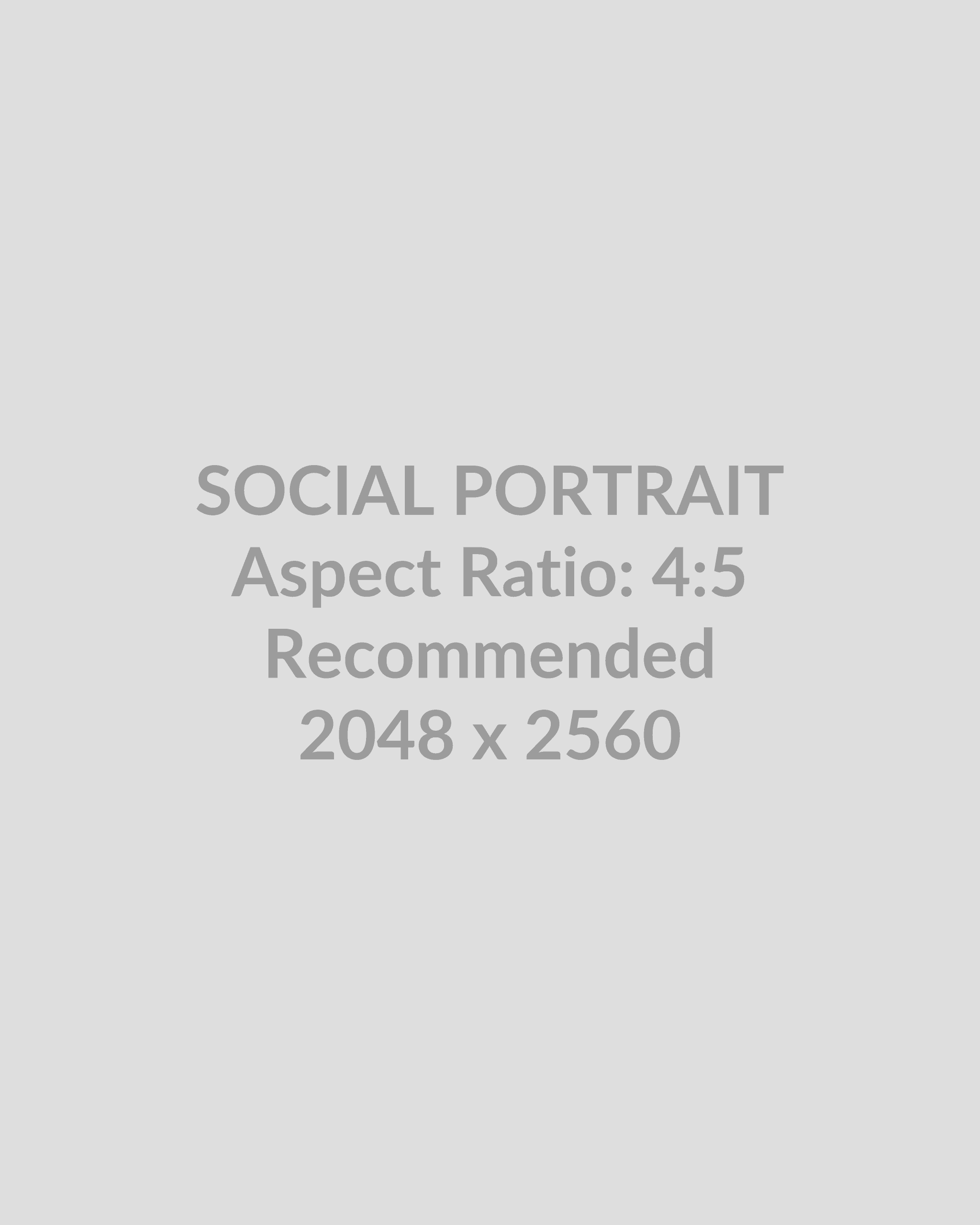

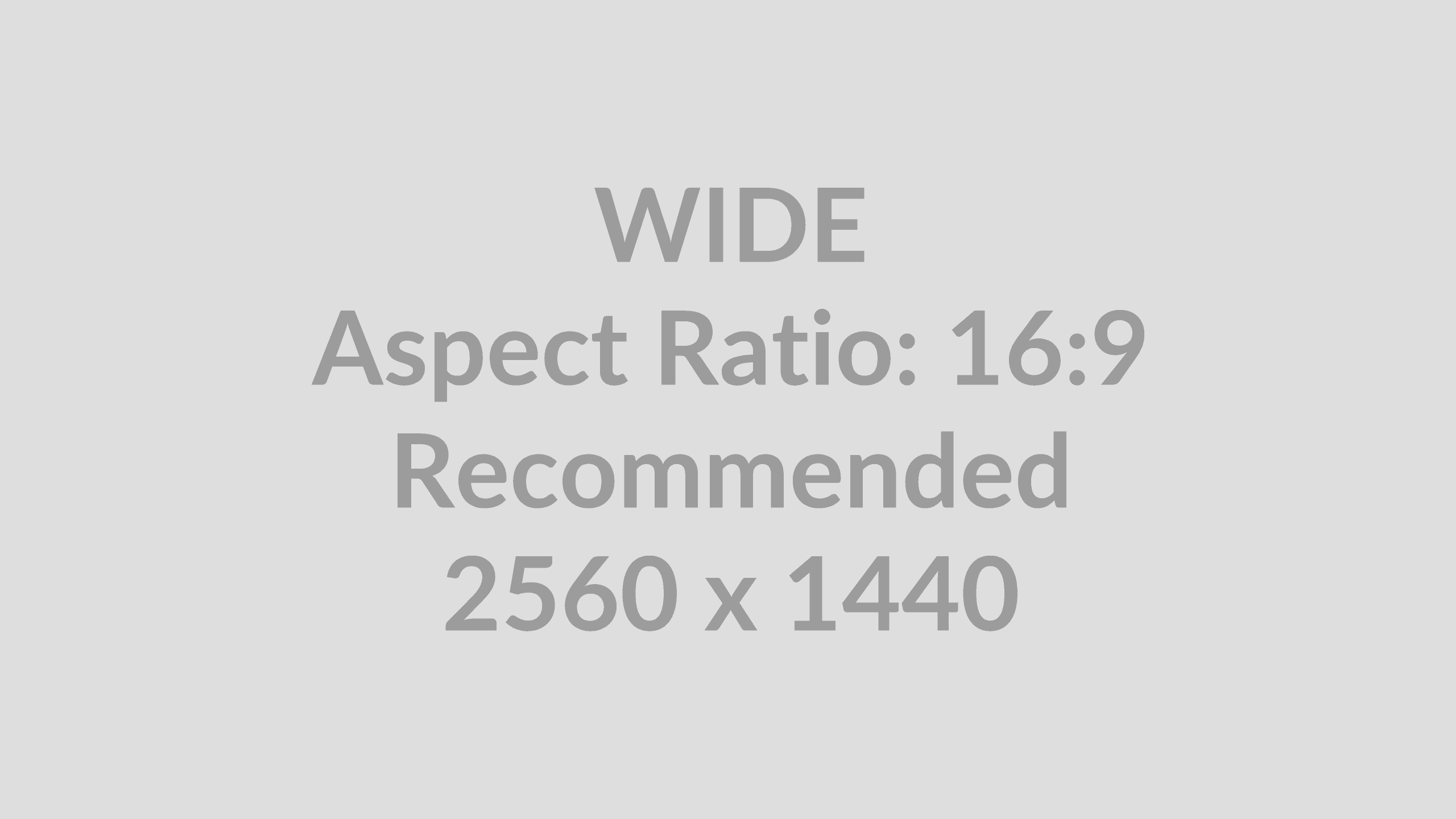
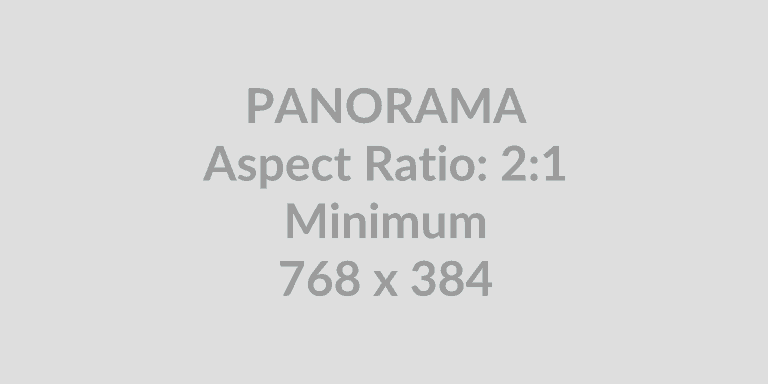

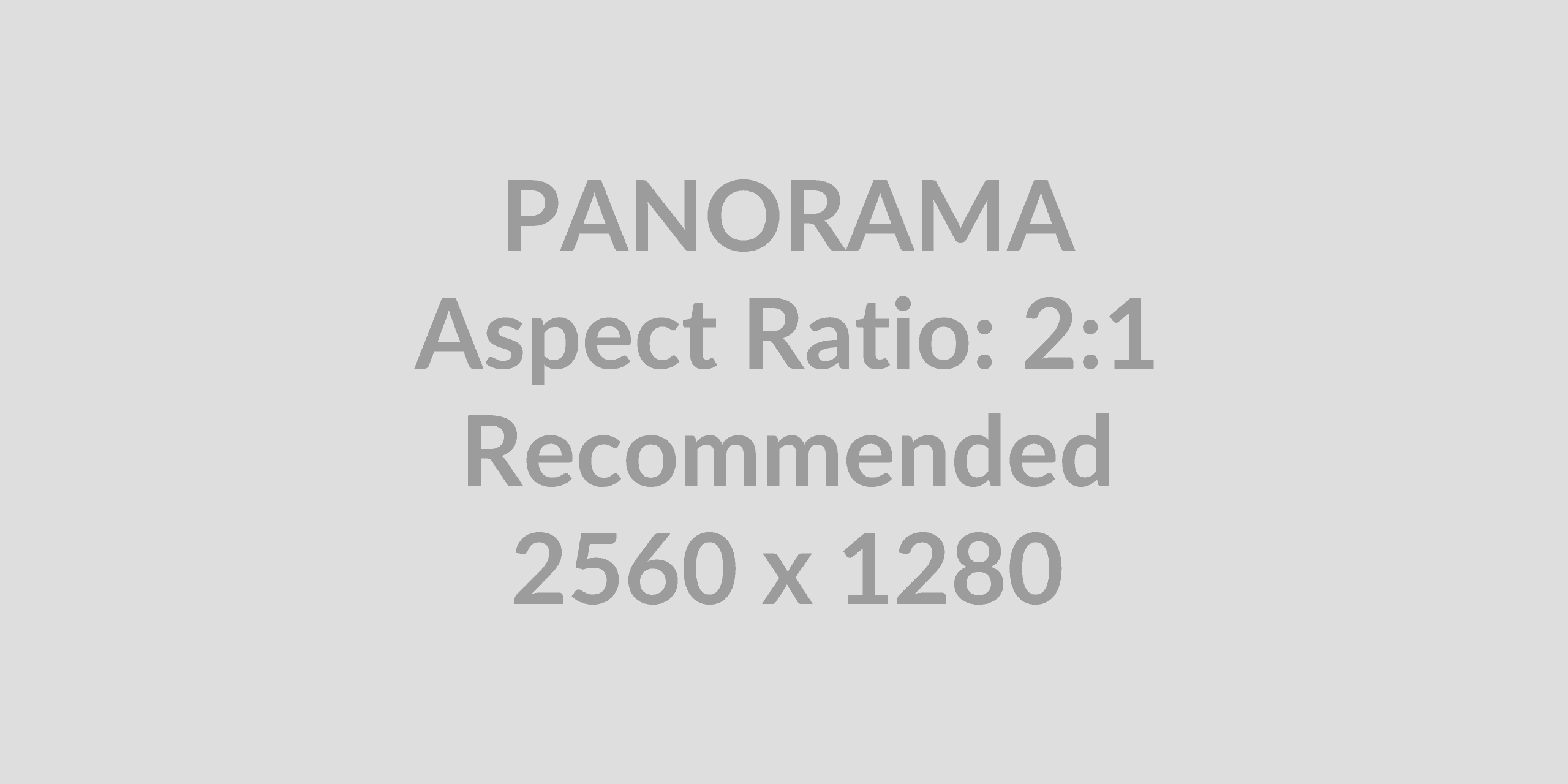
Image editing tools and accessibility guidelines
Paint.NET by dotPDN
Free Windows raster image and photo editor featuring layer management, special effects, unlimited history, and custom plugin support.
Affinity Photo by Canva
Professional raster photo editing software featuring advanced retouching, multi-layer compositing, RAW processing, and precise layer masking tools.
W3C WAI Images Tutorial
Official W3C guide detailing how to provide appropriate text alternatives based on image purpose, context, and structural function.
W3C Alt Decision Tree
Interactive decision tree designed to help developers and editors determine when and how to use alt attributes correctly.
Video /vi
Use the Video block to upload and embed video into your post or page. To add the Video block to a page, click the (+) icon to open the block inserter pop-up window and choose the Video block.
The Text tracks option allows you to display timed text tracks (such as subtitles or captions) when the media is playing. The tracks are formatted in WebVTT format (.vtt files) — Web Video Text Tracks.
Video editing tools and accessibility guidelines
HandBrake by The HandBrake Team
Free, open-source video transcoder for converting videos from nearly any format to modern, widely supported codecs.
VLC Media Player by VideoLAN
Free, open-source cross-platform multimedia player supporting most video formats, discs, and streaming protocols without extra codecs.
Subtitle Edit by Nikse
Free, open-source editor for creating, modifying, translating, and synchronizing video subtitles across dozens of formats.
DaVinci Resolve by Blackmagic Design
Professional post-production software combining video editing, colour correction, visual effects, and audio tools in one unified package.
W3C Video Accessibility Overview
Official W3C guide covering core requirements for captions, audio descriptions, transcripts, and accessible media players.
W3C Audio Description Guidance
Detailed WCAG specifications for creating, timing, and integrating audio descriptions for visually impaired viewers.
PDF files
PDF resources and accessibility guidelines
LibreOffice by The Document Foundation
Free open-source office suite featuring built-in accessibility checks and native export for tagged, accessible PDF/UA documents.
PDF24 Tools by geeknet
Free, versatile web-based suite for merging, splitting, compressing, converting, editing, and securing PDF files without installation limits.
Codeally PDF Link by Oldrup
WordPress utility plugin for Gutenberg blocks that automatically shows PDF thumbnails next to PDF links, with multiple styling options.
3D FlipBook by DearHive
WordPress plugin that converts PDFs and images into interactive, realistic 3D flipbooks with CSS3 animations and PDF link support.
W3C PDF Techniques for WCAG 2.1
Official W3C collection of technical requirements and code examples for creating accessible PDF tags, forms, tables, and reading orders.
PDF Accessiblity Checker – PAC – by axes4
Free Windows application for testing and evaluating PDF documents against PDF/UA and WCAG standards with visual screen reader previews.